30 Sep Visual Communication in HR: How AI Image Tools Are Helping People Teams Communicate Better
Most HR communication is written. Job descriptions, policy updates, benefits summaries, and onboarding emails all rely on text. The problem is that employees and candidates skim. A dense announcement or a plain job ad is easy to ignore, even when the information in it matters.
This is where visual communication becomes valuable. A simple diagram, a clear banner, or a well-designed infographic can carry a message faster than several paragraphs. Until recently, though, HR teams often lacked the design resources to produce these assets regularly. AI image tools are starting to change that.
The Design Gap in Many HR Departments
In most organizations, HR is not a design-heavy function. Requests for visuals often go to a marketing team that already has its own priorities, which means an internal benefits poster or a hiring campaign graphic can wait weeks. Some HR professionals fall back on generic stock photos or hastily built slides, which can weaken the message.
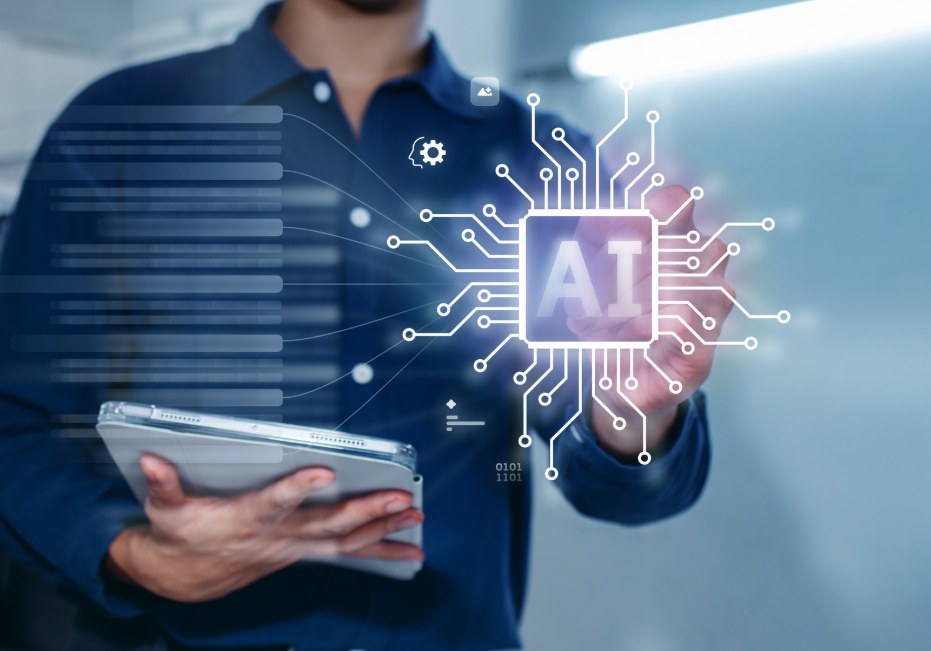
AI-assisted image creation offers a practical middle path. Instead of waiting in a queue, an HR specialist can describe what they need in plain language, review a few options, and hand a strong draft to a designer for final polish, or use it directly for low-risk internal materials.
Where Visuals Add the Most Value Across the Employee Lifecycle
Attracting candidates. Career pages and job ads compete for attention. Custom visuals for hiring events, internship programs, or referral drives can make a posting feel more considered and help a role stand out.
Welcoming new hires. The first week is full of information: systems access, team introductions, policies, and expectations. Illustrated checklists and simple process maps make this easier to absorb than a long document.
Training and compliance. Topics like data protection, workplace safety, and anti-harassment policy are essential but rarely engaging. Original illustrations can make training modules easier to follow and more memorable.
Ongoing engagement. Recognition programs, wellness campaigns, and company events benefit from consistent visual themes that employees begin to associate with a positive culture.
Getting Started Without a Big Budget
Many HR teams hesitate because they are unsure whether AI visuals are worth the investment. A low-risk way to find out is to run a small pilot. Using a free AI image generator, a team can produce concepts for a single campaign, such as an employee wellness week, and compare the results with what they would normally create. This shows quickly whether the approach saves time and whether the output fits the organization’s tone, without any financial commitment.
A good pilot has a narrow scope, a clear success measure (for example, time saved per graphic or employee feedback on clarity), and a named person responsible for reviewing every image before it is shared.
Moving From Simple Images to Refined Assets
Once a team is comfortable with the basics, the next need is usually control: adjusting details, keeping a consistent style across a campaign, and adapting one design for several formats. Newer tools such as ChatGPT Images 2.5 point in this direction by combining image creation with conversational refinement, so a user can generate a concept and then request specific changes rather than starting again. For HR, this can be useful when a single theme, such as a company anniversary or a benefits enrollment period, needs to appear on a banner, an email header, and a presentation slide.
The key is to treat these tools as drafting assistants. They speed up the early stages of visual work, but the final judgment stays with people.
Responsible Use Is Not Optional in HR
Because HR content shapes how people perceive an employer, a few safeguards matter more here than in many other departments.
- Be honest in recruitment. Do not use AI images to show offices, teams, or working conditions that do not exist. Candidates who feel misled are unlikely to stay.
- Check for bias. Image tools can reflect stereotypes about roles, gender, age, or ethnicity. Review visuals to ensure they represent your workforce respectfully and align with inclusion goals.
- Protect personal data. Employee photos, records, and internal documents should not be uploaded to third-party tools without approval from IT, legal, or data protection teams.
- Verify all text and facts. AI-generated images sometimes contain distorted lettering or incorrect details. Anything involving policies, dates, or benefits should be checked manually.
- Confirm usage rights. Review the terms of the tool you use and follow your organization’s brand guidelines.
Publishing a short internal guideline covering these points helps HR staff use the tools consistently and keeps the organization protected.
Measuring Whether It Works
Visual content should be judged like any other HR initiative. Useful indicators include click-through rates on job posts, completion rates for training modules, attendance at internal events, and direct feedback from new hires about how clear their onboarding materials were. If a visual does not improve understanding or engagement, it should be revised or dropped, regardless of how impressive it looks.
Conclusion
AI image tools will not replace the human judgment that HR depends on, but they can remove a real bottleneck. By lowering the effort needed to produce clear, consistent visuals, they help people teams communicate more effectively with candidates and employees alike. The organizations that benefit most will be those that start small, set clear ethical boundaries, and keep a human reviewer involved at every step.
No Comments